


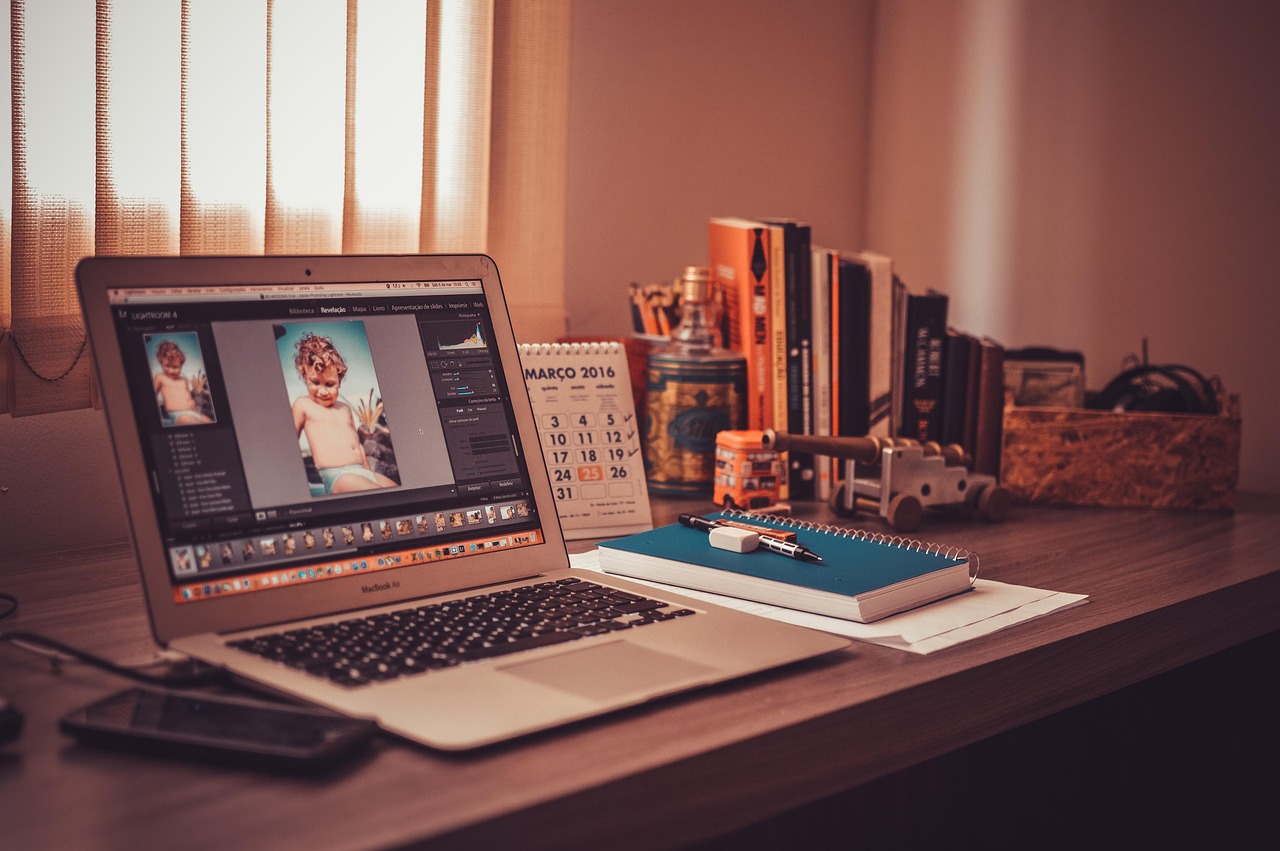
The way we work has changed drastically, with home offices defining professional life. Not only for consultants, designers, therapists, coaches, freelancers, anyone else who relies on a computer to have a conversation. A well-designed, user-friendly work from home (WFH) space can make you feel more confident, facilitate expedited virtual communication and allow you to present a professional first impression.
Whether the phone is ringing off the hook with clients, or you’re only hopping on a Zoom call every once in a while, this guide will walk you through everything you need to create a work-from-home space that isn’t just stylish, but also what you need to function well, be ergonomically sound, and be suitable for use with clients.
Why Your Work-from-Home Setup Matters (Especially for Client-Facing Roles)
A client-friendly work setup isn’t just what looks good. Your setting influences what the clients think of if they consider your professionalism, your trustworthiness and your attention to detail. Some seem cluttered and uncomfortable, making a poor impression, while a clean, well-lit space implies clarity and competence.
Your backdrop, in video calls, is part of your personal brand. Clients are not simply hearing your voice, they are consuming the tone that is set by your space. The color of the walls, the quality of the light, the design of the paintings on the wall and everything can contribute to how your messages are perceived.
And a well thought-out setup will help your body, your mind, do less compensating, less distracting and editing of your speech, less scrambling for words and ideas when stakes are high in client meetings or presentations. For client-facing professionals, a WFH office is no mere luxury; it’s a strategic asset.
Must-Have Furniture & Layout Tips
Begin by anchoring your work area with furniture that’s functional and fabulous. Some of the basics include a good writing desk, comfortable chair and adequate lighting. Pick a desk that matches your working style, be it minimalism, multiple monitors or a sit-stand model.
An ergonomic chair is a necessity for those long hours. Make sure there’s adjustable height, lumbar support and breathable fabric. Go for quality if you’re mostly sedentary for work; your back will thank you. When designing the layout, strive to have natural light in front of or at the side of your workstation. If it feels claustrophobic, avoid sitting your desk right against the wall, to give you a greater sense of groundedness and place some open space behind you, creating a sense of calm and professionalism over video calls.
If the area is cramped for space, think “up.” And, wall-mounted shelves, foldable desks, and storage-equipped furniture ensure that you can create a workable nook even in the smallest corner of your home.
Designing for Zoom & Client Meetings
Video calls are now routine, and your background can make a big difference in how professional you look on camera. Keep the background clean and simple without visual distractions. Lean against a blank wall, book shelf or nicely decorated space. Don’t sit at your desk facing a bright window, because you will end up backlit, with your face lost on the camera.
Proper lighting is crucial. Try to place yourself facing natural light if possible. If you can’t access natural light, position a ring light or an adjustable desk lamp to light your face evenly, ensuring not to cast any harsh shadows.
Sound quality is just as important. Calls can be frustrating with echoes, background noise or difficult audio. Invest in a microphone or high-quality headset, and add soft furnishings such as rugs or curtains to absorb echo in your room.
Finally, your camera angle needs to be at eye level and steady. Stack your laptop, or use a stand, to separate your camera from yourself and eliminate horror of the “up-the-nose” angle. So many small adjustments can make a big difference, and improve the look of your video in a more polished and professional way.
Style Inspiration Based on Profession
Your home office should not only be a reflection of your personal taste, but also of your profession. Here are some concepts to make your space better reflect the work that you do:
- Creative Professionals (Designers, Writers, Artists): Make a statement with accent walls, creative pinboards and inspiring art. Let your desk space do the talking and keep your desktop clutter free.
- Therapists & Coaches: Set the tone with a calming, safe space by incorporating soft textures, warm neutrals, and natural elements (like plants). Again, privacy and comfort should be key.
- Consultants & Financial Advisors: A clean and modern look conveys clarity and confidence. The background should be muted, some shelves organized, framed certificates or books in the background.
- Educators & Trainers: Infuse functionality and accessibility with brilliant lights and visible whiteboards plus storage for teaching supplies.
Your style should never seem like hard work. Inspire yourself with what you love for decorative items and ensure they feel genuine, while also thinking about how your backdrop may look to clients.
Productivity, Wellness & Ergonomic Hacks
It is not enough to have a great looking office; it must also serve as an enabler of your health and focus. Ergonomic tweaks can help a lot, like putting your monitor at eye level, keeping your wrists straight with a keyboard tray and taking breaks to stretch or walk.
Color psychology can affect focus as well. Blue and green are calming and can aid concentration, while orange or yellow can add energy and warmth.
Bring a touch of greenery to your indoor environment with easy to care for indoor plants. They also clean the air and enhance mood. If you need to cut down on fatigue, consider a standing desk converter so you’re not seated for long stretches.
Your sense of smell also impacts mental clarity. You can turn to essential oils or scented candles with relaxing scents (like lavender) or ones that will wake you up (like peppermint) depending on what you need to get done.
And use time-blocking tools, whether digital calendars or a visual to-do list on a whiteboard to keep yourself on task during busy days. A space that’s client-friendly is also focus-friendly.
Smart Storage, Cable Management & Clean Visuals
Clutter is the enemy of peace and professionalism. Built-in storage such as floating shelves, filing cabinets, or under-desk drawers not only keep essentials close at hand but visually unclutter the room. Utilize cable organizers, clips or cord covers to conceal wires. Having a minimalist desktop free of visible electronics is great for video calls and peace of mind.
If you’re with other people in your home, then think about folding screens or mobile storage units that create distinct zones. With visual zoning, you’re better at getting your brain from one way of being at home (“home mode”) into another (“work mode”) and back again.
For a space-saver, multifunctional furniture, a bench that opens into a file cabinet, or a wall desk that can be folded down can make all the difference in keeping things stored but not overwhelmingly accessible.
Design Mistakes to Avoid
But it’s all too easy to inadvertently make design decisions that limit the efficiency of your home office even with the best of intentions. Avoid these common pitfalls:
- Overdecorating the Background: Excessive visible personal items or distracting artwork can take away from the professional image. Soften your backdrop and keep it curated.
- Ignoring Lighting: Poor lighting can ruin video calls. Don’t depend solely on overhead lighting; add layered lighting with lamps and task lights.
- Wrong Chair Height or Desk Size: Whether it’s a chair that’s either too high or too low, or a desk that’s too big, when you spend your day feeling uncomfortable and adjusting yourself you are inviting pain in the foreseeable future.
- Poor Sound Quality: Never forget about sound. If the space is fashionable, but echoey or noisy, it can ruin a client’s experience.
- Mixing Work & Personal Zones Without Boundaries: Overlapping work and living space can impact concentration. Visual or physical barriers may be necessary.
Keeping such issues in mind allows for healthy work environments to develop where trust, effectiveness and longer term comfort flourish.
Conclusion: Make Your Space Work for You and Your Clients
A client-friendly work-from-home interior takes more than a beautiful backdrop. It’s a thoughtfully considered space that helps one focus on connectivity, wellness and personal style. Whether you’re remodeling an unused room or maximizing a tiny nook, the right combination of furniture, layout, lighting, and decor can help you work smarter and serve clients better.
Your room talks before you do. Those intentional design choices, can do more than create a space that clients come in and are wowed, the right design can keep you productive and set you up for daily well-being.